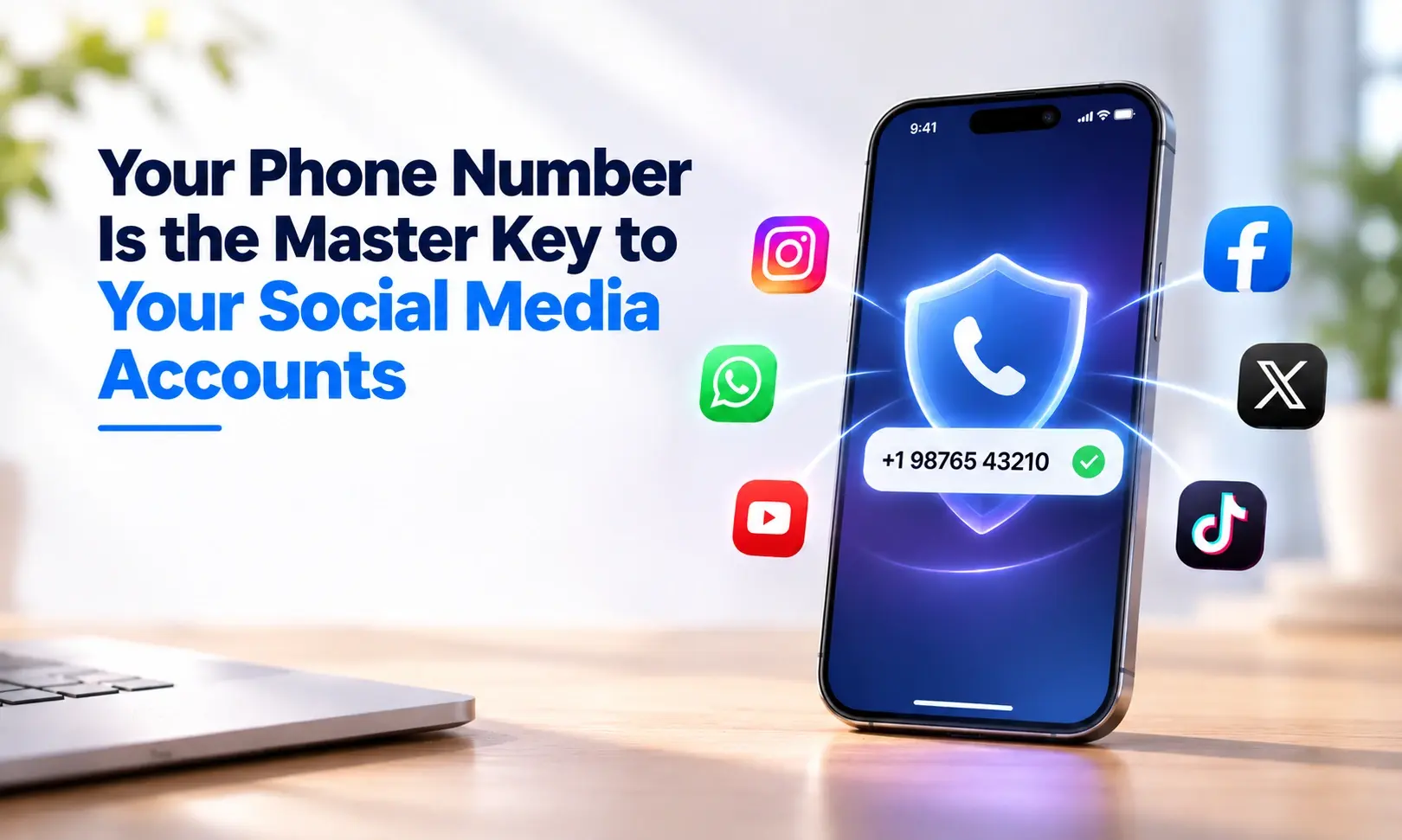
Your Phone Number Is the Master Key to Your Social Media Accounts

- Published
- 8 min read
Most people think about account security in terms of passwords. Strong password, hard to guess, different for each site. That thinking is not wrong, but it is solving a smaller part of the problem than most people realise.
Because right now, there is a very good chance that your Instagram, TikTok, Gmail, and even your bank can all be accessed by someone who only knows one thing about you. Not your password. Your phone number.
This is not a hypothetical. It is the method behind a significant proportion of real account takeovers happening right now. In 2025, 429 million social media accounts were compromised, and SIM swap attacks, which work entirely through phone numbers, accounted for 14 percent of those hacks. At the numbers involved, that is tens of millions of people.
Here is exactly how it works and what to do about it.
The Two Ways Your Phone Number Gets Used Against You
There are two distinct methods, and it is worth understanding both because the protection for each is slightly different.
SIM Swap: When Someone Steals Your Number
A SIM swap is exactly what it sounds like. An attacker convinces your mobile carrier to transfer your phone number to a SIM card that they control.
The attacker calls your network provider. They pretend to be you. They say they have lost their phone or damaged their SIM and need the number ported to a new one. The carrier goes through identity verification, which typically involves some combination of your name, address, date of birth, and in some cases the last four digits of a bank card or answers to security questions.
Here is the problem: most of that information is available. Your name and address might be on your public Instagram profile or linked from your Facebook. Your date of birth is on LinkedIn if you have celebrated work anniversaries. Security question answers, your first school, your mother's maiden name, your first pet, are often answerable by anyone who has looked at your social media for twenty minutes.
When the swap goes through, your number is now on their device. Every SMS that was going to your phone goes to theirs. Including every two factor authentication code for every account tied to that number.
They go to Instagram and hit "Forgot password." Instagram sends a code to your phone number. It arrives on their device. They enter it. They are now in your Instagram account and you are locked out.
According to research published in 2026, SIM swap fraud has become more sophisticated, with AI voice cloning tools that can synthesise a person's voice from as little as three seconds of audio, often pulled from a public video. Carrier voice verification systems, already a weak point, become near useless when the caller sounds exactly like the account holder.
Account Recovery Exploit: When Your Number Is the Backdoor
This one catches people off guard because they never gave the attacker their phone number directly.
Almost every major platform asks you to add a phone number to your account. They frame it as a security measure: if you get locked out, you can recover access via SMS. Most people add their number without thinking about it, because the framing is about protecting them, not about creating a vulnerability.
What this actually creates is a recovery path that bypasses your password entirely.
An attacker who knows your phone number, which might be on your website, in an old forum post, in a data breach from a service you signed up to years ago, can go to a platform and trigger the account recovery flow. On many platforms, this sends an SMS to the number on file. If they have already performed a SIM swap, that SMS goes to them. If they have not, they may try other methods to intercept it.
The point is that the platform is treating your phone number as proof of identity. And your phone number is not secret.
We cover in detail how phone numbers end up publicly accessible without people realising it, including through data brokers and old breaches, in our blog on how long your phone number stays linked to you online.
Why This Matters More for Creators and Public Accounts
For most people, a hacked Instagram is a serious personal problem: loss of years of memories, having to rebuild a following, potential use of the account for scams that damage relationships with followers.
For creators with larger followings or monetised accounts, the stakes are higher. Ransom demands for compromised high profile accounts averaged $21,400 in 2025, according to research by Cropink. The attacker holds the account, blocks the original owner out, and demands payment for access.
But even for accounts with no commercial value, the damage extends further than the account itself. 73 percent of account takeover victims had other platforms compromised as a result. An attacker in your Instagram can often find their way to your email, and from your email to everything else. The phone number is the entry point. The damage from there is much wider.
TikTok has become a particular target because monetised accounts with large followings are identifiable from the outside. An attacker can look at a TikTok profile, see that it is an active creator with commercial relationships, and make a direct calculation about whether the account is worth targeting.
What "Enabling Two Factor Authentication" Actually Means
This is where a lot of the standard advice goes wrong.
Two factor authentication is genuinely useful. But not all forms of it are equal, and SMS based two factor authentication, which is the most common type and the one most platforms default to, is the weakest form available.
When you enable two factor and choose to receive codes by text, you have created a situation where those codes go to whoever is in possession of your phone number at that moment. In a SIM swap attack, that is the attacker.
SMS two factor is better than no second factor at all. It stops the most casual attacks where someone just has your password. But against a targeted SIM swap, it provides almost no protection, because the entire mechanism relies on the phone number being yours.
The stronger alternative is an authenticator app. Apps like Google Authenticator or Authy generate codes locally on your device, not through your phone number. A SIM swap does not affect them because the codes are not sent anywhere. They are generated on the physical device itself.
Even better, for accounts that matter most, is a hardware security key. This is a physical device you plug in or tap against your phone. Nothing short of someone physically taking that device from you lets them in.
If you want to understand the full picture of what gives your phone number so much power over your accounts, and what actually sits behind a second number in terms of security, our blog on what a second phone number actually provides covers the honest version.
Practical Steps: What to Do About This
This is the part that matters. Here is a clear priority order.
Step 1: Remove Your Phone Number from Recovery on Your Most Important Accounts
Go to your email account settings first, because email is the key to everything else. Look for account recovery options and two factor settings. If you have a phone number listed as a recovery option, consider whether it needs to be there.
Do the same for Instagram, TikTok, and any platform where you have significant content, following, or commercial relationships.
This feels counterintuitive. You are removing a backup access route. But that access route is exactly what an attacker uses. If you have an authenticator app as your two factor method instead, you are giving up nothing in terms of genuine security and removing the phone number as an attack vector.
Step 2: Switch Two Factor to an Authenticator App
Download Google Authenticator, Authy, or a similar app. Go through each important account and change the two factor method from SMS to authenticator. The process is usually in security settings and takes a few minutes per account.
This step alone significantly raises the barrier for a SIM swap attacker, because even if they get your number, the two factor codes for your accounts are no longer accessible through it.
Step 3: Lock Your Number at the Carrier Level
In the UK, most major mobile carriers now offer some form of number porting protection or SIM lock. This makes it harder to port your number without additional verification steps. Contact your carrier directly and ask what options they have for preventing unauthorised number transfer.
In the US, this is often called a port freeze or account lock. The specific options vary by carrier but they all provide a meaningful additional barrier against SIM swap.
Step 4: Use a Second Number for Signups
This is the most underused protection and probably the most effective at a systemic level.
When you sign up for a new service and they ask for a phone number, that number ends up attached to your account record. If that service is later breached or sells data, your number is now in circulation. From there it can end up in the hands of someone who uses it for account recovery attempts on other platforms.
Using a second phone number for signups and verifications means your real number stays out of that ecosystem. Any recovery attempts using the signup number go to a line you control separately from your main identity. You can see exactly what Second Line Number provides for this use case on our features page.
This does not mean giving a fake number that cannot receive messages. Verification codes still need to arrive. It means using a real, working number that is simply not the same one tied to your bank, your most important accounts, and your core digital identity.
Get a second number for signups. Keep your real number off the lists.
Signs You May Have Already Been Targeted
These are the warning signs that a SIM swap has either happened or is being attempted.
Your phone loses service in an area where you normally have good signal. This is often the first indication, because your number has been moved to another device and your SIM is now essentially a blank.
You start receiving unexpected password reset emails or notifications from accounts you did not initiate.
Contacts tell you they have received strange messages from your account.
You try to make a call or send a text and it fails without a clear reason.
If any of these happen, contact your mobile carrier immediately. Ask them whether a SIM change or port request has been made on your account. Time matters here. The faster you identify a swap has occurred, the more you can limit what happens with it.
Get a second number for signups. Keep your real line where it belongs.
Frequently asked questions
Can someone hack my Instagram just by knowing my phone number?
Not directly, but your phone number gives them a powerful attack route. If your Instagram account has that number listed for two factor authentication or account recovery, and the attacker performs a successful SIM swap, they can trigger a password reset that sends a code to your number, which is now on their device. The result is that they gain access without ever needing your password.
What is the difference between SMS two factor and an authenticator app?
SMS two factor sends a code to your phone number by text message. If someone has control of your number through a SIM swap, that code goes to them. An authenticator app generates codes directly on your device without any network transmission. A SIM swap cannot intercept a code that is never sent anywhere. Authenticator apps are significantly more secure than SMS for this reason.
How do I know if someone has swapped my SIM?
The most common sign is losing mobile service suddenly in a location where you normally have signal. Other signs include being unable to make calls or send texts, receiving unexpected account notification emails, or contacts telling you they received unusual messages from your accounts. If you suspect a swap, contact your carrier immediately and ask whether any SIM changes were made recently.
Is it enough to have a strong password if my phone number is attached to the account?
No. In a SIM swap attack, the attacker does not need your password. They trigger the account recovery or password reset flow, which sends a code to your phone number. Your password is irrelevant to this method. The protection against it is removing the phone number from the recovery path and using an authenticator app instead.
Will removing my phone number from my accounts make them less secure?
Only if SMS two factor is your only second factor. If you replace it with an authenticator app, you have the same level of second factor protection without the phone number vulnerability. If you remove the phone number from recovery without adding another method, you do lose a recovery route. The correct order is to add an authenticator app first, then remove the phone number once the app is set up.
- SIM swap
- two-factor authentication
- account security
- social media