
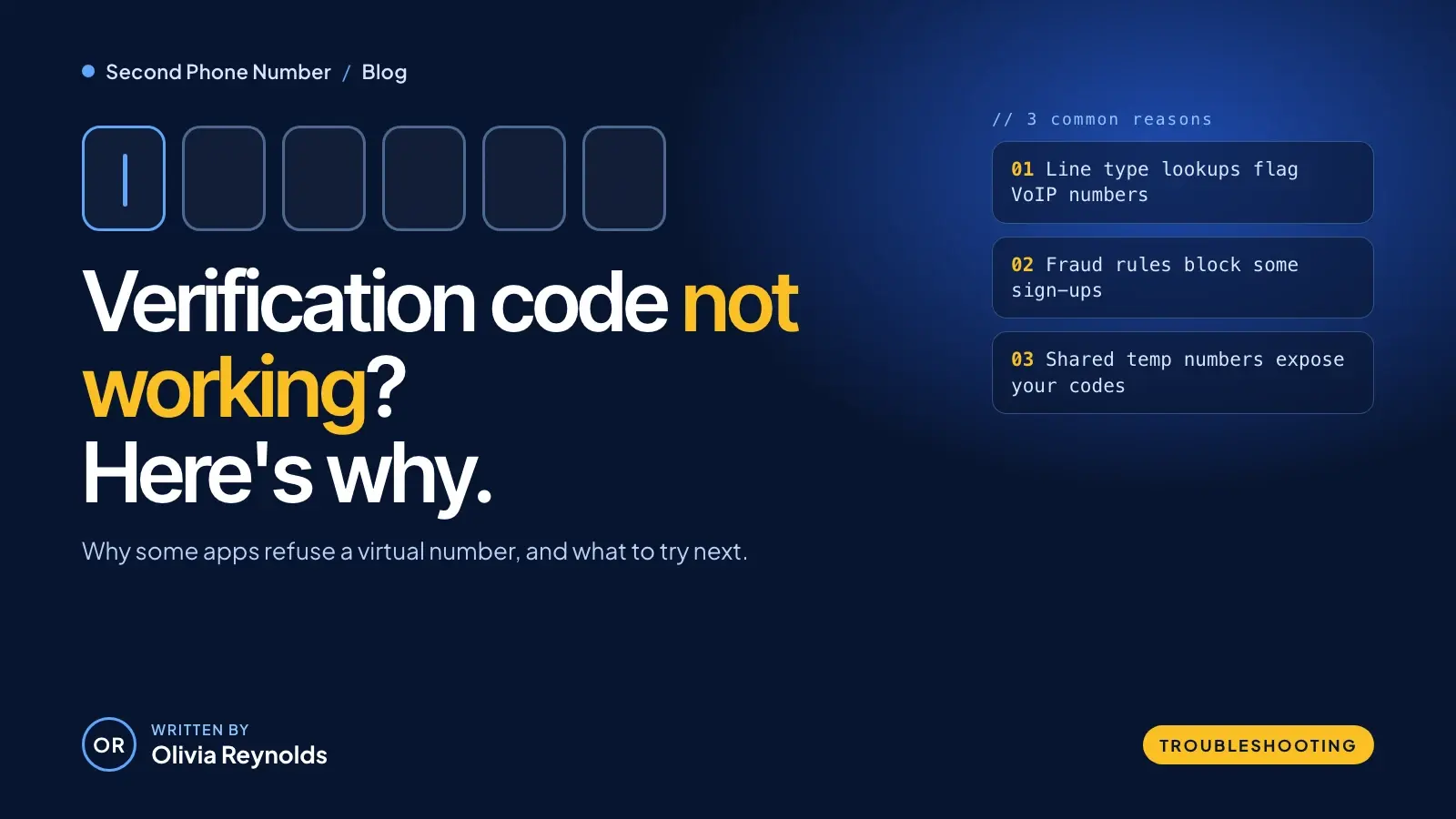
You type in your second number, tap "Send code" and wait. Nothing arrives. Or the app tells you straight away that the number isn't supported. If your virtual number verification code never shows up, it's usually not a fault with your phone. It's a decision the app made before it sent anything.
Most services that text you a code first check what kind of number you gave them. Some accept every type, some refuse anything that isn't a mobile line, and many sit somewhere in between. This guide explains how that check works, why services run it, what their own help pages say, and what to try when a code doesn't come through.
Quick answer
- Many apps run a line type lookup that labels your number as mobile, landline, fixed VoIP or non-fixed VoIP, as described in Twilio's Line Type Intelligence docs.
- Some services block VoIP numbers at sign-up because fraud teams see them as a route to fake accounts and promotion abuse.
- Shared "receive SMS online" numbers are a security risk: other people can read your codes. A number assigned only to you is far safer.
- If a code doesn't arrive, work through the checklist below, and use a different number for any service that doesn't accept VoIP.
Why does a virtual number verification code fail to arrive?
There are two separate places where things can go wrong, and it helps to know which one you're dealing with.
- The service rejects the number. It looks up your number, sees a line type it doesn't accept, and either shows an error ("this number isn't supported") or quietly never sends the code.
- The message doesn't get delivered. The service sends the code, but a filter, a blocked sender, a short code your provider can't receive or a simple typo stops it on the way.
The first is a policy, and no amount of retrying will change it. The second can often be fixed. If you get an instant error, you're almost certainly dealing with the first. If the app says "code sent" and nothing turns up, it could be either.
What is a line type lookup?
A line type lookup is a database check that tells a business what kind of phone line a number belongs to. Many companies get this data from communications platforms such as Twilio and Telesign.
Twilio's Line Type Intelligence (docs updated 24 July 2026) returns labels including mobile, landline, fixedVoip, nonFixedVoip, tollFree, premium and unknown. Telesign's Phone ID returns the phone type and carrier, and Telesign says that data "can be used to determine which phone numbers are a potential fraud risk."
Here's how Twilio describes the types that matter most for verification codes:
| Line type | How Twilio describes it | What it means for codes |
|---|---|---|
| mobile | Typically can receive SMS | The type verification systems expect |
| landline | Typically can't receive SMS | Text codes usually fail; some services offer a voice call instead |
| fixedVoip | "A virtual phone number associated with a physical device," such as a home phone from a cable company | Accepted by some services that refuse other VoIP numbers |
| nonFixedVoip | "A virtual phone number obtained online without requiring a physical device," such as Google Voice | The type Indeed, for one, no longer accepts |
| tollFree | Calls are free for the caller | Listed as unsupported by WhatsApp, for example |
Most second number apps, including ours, give you a number that lives in an app rather than on a SIM card, so a lookup may label it as VoIP. That's the honest limitation of any VoIP second number: it may not be accepted by every service.
Why do services block some VoIP numbers?
The short answer is fraud. Twilio describes its Lookup product as phone number intelligence "to help businesses verify users and prevent fraud," and it even sells a separate SMS pumping risk score for spotting numbers involved in SMS pumping fraud.
Telesign is more direct. In a June 2024 post, it warns that some VoIP numbers can be used "to create fraudulent accounts or for promotion abuse," and that blocking VoIP numbers from creating new accounts can reduce fraudulent account creation. If numbers are easy to get in bulk, a "one account per phone number" rule stops meaning much. Blocking the number types that are easiest to get is a blunt but simple fix.
It's each service's own choice
Blocking VoIP is a policy each service sets for itself. The US government's digital identity guidelines have actually moved the other way. NIST SP 800-63B-4, published in July 2025, removed the earlier prohibition on using VoIP numbers for this kind of authentication. Instead, it treats codes sent over the phone network as a "restricted" method and tells services to consider risk signals such as a SIM change or number porting.
That's why policies differ so much. As the help pages below show, one service refuses all VoIP numbers, another refuses only non-fixed VoIP, and another simply warns against it.
What do apps' own help pages say?
Rather than rely on lists of "what works," it's worth reading what services say themselves. Here's what four help pages said when we checked them on 12 November 2026:
- WhatsApp. Its registration help page says "Unsupported phone numbers, such as VoIP, landlines, toll-free, paid premium numbers, universal access numbers (UAN), shared cost, and private numbers can't be registered on WhatsApp." Landlines work only with the WhatsApp Business app.
- Indeed. Its phone verification help page says "Indeed no longer allows non-fixed VoIP numbers for account verification," but suggests a mobile, landline or fixed VoIP number, meaning one linked to a physical address.
- Google. Its 2-Step Verification help page warns: "If you use Google Voice to get verification codes, you could lock yourself out of your account."
- Venmo. Its verification help page says codes come from the five-digit short code 86753 and asks you to make sure short-code messaging is enabled with your phone provider. If you use a virtual number, check your provider's help pages to see whether it can receive short-code texts.
Policies change, so treat any list, including ours, as a starting point. Our verification compatibility guide goes through more platforms. The service's own help page is always the final word.
Temporary "receive SMS online" numbers vs a number you keep
Search for "temporary phone number for verification" and you'll find sites offering shared numbers whose incoming texts are posted on a public web page. They're tempting, but they're the riskiest option there is.
Researchers studied these sites in a 2016 paper presented at the IEEE Symposium on Security and Privacy. They analyzed nearly 400,000 text messages sent to public SMS gateways over 14 months. They found that some services sent sensitive information in plain text and used weak one-time codes, and that the gateways were mainly used to get around rules requiring a phone-verified account. That's the behavior line type checks are meant to stop.
The bigger problem is what happens after you sign up. A 2022 investigation by IntelTechniques found that one such service showed a public archive of the texts its numbers had received, including other people's verification codes. Its conclusion: "Anyone could hijack these accounts by requesting account access or a password reset via SMS confirmation."
| Shared temporary number | A number assigned to you | |
|---|---|---|
| Who can read your codes | Anyone who visits the site | Only you |
| Password resets later | Someone else can request them | They come to you |
| Can strangers use it for their own sign-ups | Yes | No |
| Good for | Nothing you'd mind losing | Accounts you want to keep |
If you want a separate number to keep your personal one private, use one that belongs to your account alone. Second Phone Number gives you a US or Canada number on your iPhone that you can use for calls, texts and voicemail. Like any VoIP-based number, it won't pass every service's line type check, so keep your carrier number for the services that require a mobile line.
What should you do when a code doesn't arrive?
Work through these steps in order. Most come straight from the help pages above.
- Check the number. Make sure the country code and every digit are right. A single typo looks exactly like a blocked number.
- Wait for the timer. Don't tap "resend" over and over. Google notes that if you request several codes, only the newest one works.
- Try a voice call. WhatsApp suggests tapping "Call me" if a text code doesn't arrive, and many other services offer a similar option.
- Look for filters and blocks. Indeed's checklist covers Do Not Disturb, blocked senders, full message storage, third-party text filters and spam folders.
- Check short-code support. If the code comes from a five or six-digit sender, ask your number's provider whether it can receive short-code texts.
- Read the error message. "Number not supported" or "invalid number" usually means a line type rule, not a delivery problem. Retrying won't help.
- Ask for help. The service's support team can tell you whether there's another way to verify, and your number's provider can tell you whether messages are being blocked.
- Use a different number for that service. If a service doesn't accept VoIP, no setting will change that.
For problems with calls, texts or voicemail in general, our virtual number troubleshooting guide covers the app side.
Safety tips for verification codes
- Never share a code. A code is meant only for you. If someone calls or texts asking you to read one back, assume they're trying to get into your account.
- Don't use a public SMS site for anything with your name, money or messages attached.
- Protect your key accounts first. Your phone number is often the master key to your other accounts, as we explain in how phone numbers are used in social media hacking.
- Add a backup method. Google lists backup codes and passkeys as ways back in if you lose access to your phone.
- Keep the number you verify with. A number you give up can eventually be reassigned to someone else, and your password resets would go with it.
The bottom line
When an app rejects a virtual number or a code never arrives, it's usually because the service looked up your line type and decided not to trust it, often to keep out fake accounts. Policies differ from one service to the next, so check the service's own help page. Avoid shared "receive SMS online" numbers entirely, use a number that's yours alone for sign-ups, and keep your carrier number for the services that insist on a mobile line.
Frequently asked questions
Why won't an app send a verification code to my virtual number?
Many services look up a number's line type before sending a code. If the lookup says the number is VoIP, landline or another type the service doesn't accept, it may reject the number or never send the code. Each service sets its own rule, so the same number can work in one app and fail in another.
What is the difference between fixed VoIP and non-fixed VoIP?
In Twilio's line type data, a fixed VoIP number is a virtual number tied to a physical device, such as a home phone service from a cable company. A non-fixed VoIP number is obtained online without a physical device, like Google Voice. Some services, such as Indeed, accept fixed VoIP but not non-fixed VoIP.
Can I use a VoIP number for WhatsApp?
WhatsApp's help center lists VoIP numbers among the phone numbers that can't be registered on WhatsApp, along with toll-free, premium and some other types. Landlines can be used only with the WhatsApp Business app. Check WhatsApp's help center for the current wording before you try.
Are free 'receive SMS online' numbers safe for verification?
No, not for any account you care about. Those numbers are shared, and the messages they receive are often posted publicly, so anyone can see your code or use the same number to reset your password later. Use a number that's assigned only to you.
What should I do if my verification code never arrives?
Check the number and country code, wait for the resend timer, and use only the newest code. Try the voice call option if the service offers one, check text filters and blocked numbers, and ask the service or your provider whether the message is being blocked. If the service doesn't accept your number type, use a different number for that account.
Should I use a second number for my bank or main email account?
For the accounts that protect everything else, like your main email and your bank, it's usually safer to use the number you're least likely to lose, and to add backup sign-in methods such as backup codes or a passkey. A second number works well for sign-ups, shopping and marketplaces where a VoIP number is accepted.